Track tools
Give your tracks a professional finish before you send them. Track tools bring together AI artwork, AI mastering and a mastering guide for your DAW.
Related: Uploading tracks
Track tools help you prepare your tracks for release or sharing. Create artwork with AI, master your track and follow a mixing and mastering guide, so your music always looks and sounds its best.
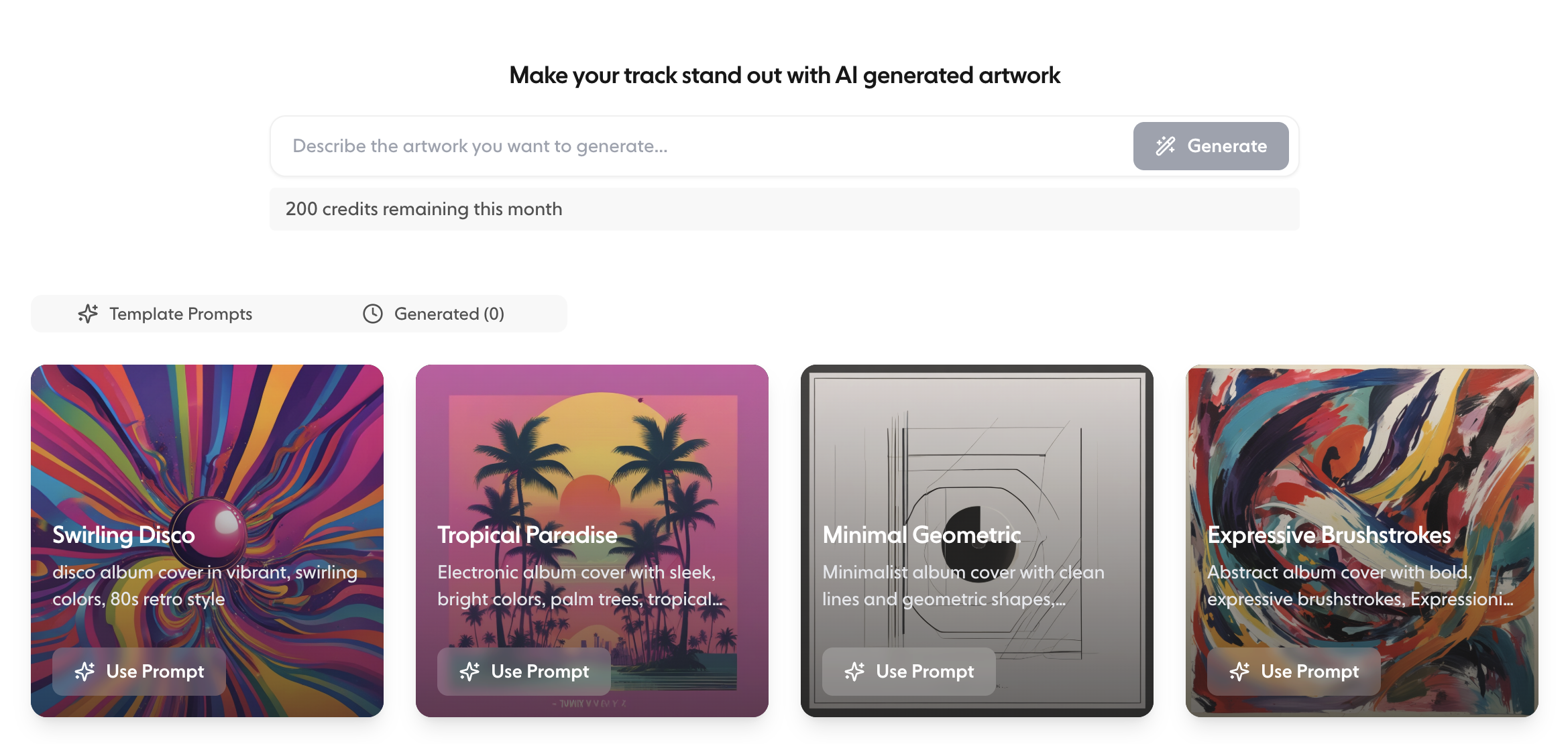
Artwork#
Create eye-catching artwork for your tracks with Trackstack's AI artwork generator. Describe the artwork you want, or start from one of the template prompts, then click Generate.
With the artwork tool you can:
Generate custom artwork for singles, demos or releases
Experiment with visual styles that match your sound
See everything you've generated in the Generated tab
Download artwork to use across social platforms, EPKs or release assets
To use generated artwork on a track, download it and add it with Add artwork from the track's menu in your Library. You can also generate a cover for a track while uploading it. Artwork on your tracks makes your Library easier to scan and your playlist links more engaging.
AI Mastering#
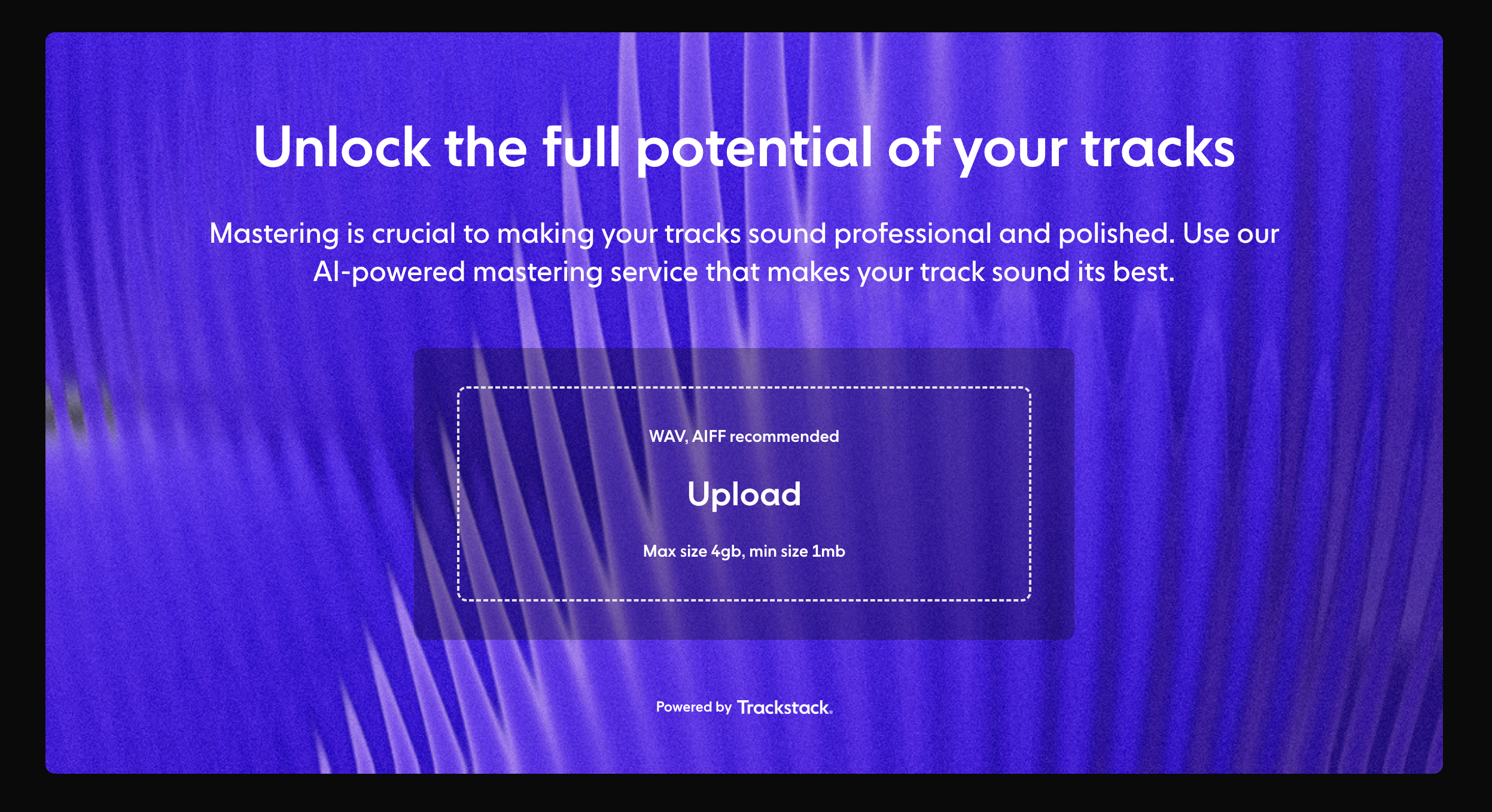
Polish your track with Trackstack's AI Mastering. It opens in a separate site.
AI Mastering lets you:
Quickly create a mastered version of your track
Improve loudness, clarity and balance
Prepare demos for sending or sharing
Compare your original mix with the mastered version
Whether you're refining a demo or preparing a release preview, mastering helps your track sound its best wherever it's heard. For uploading, settings, previews and exports, see the Mastering section of this help centre.
Mastering guide#
The Mastering Guide is a mixing and mastering cheatsheet, personalised to your DAW. Choose your DAW and follow the steps section by section.
Why use track tools?#
Track tools help you:
Present your music professionally
Speed up your creative workflow
Spend less time on external tools
Create consistent visuals and polished audio
Share tracks confidently with labels, DJs, collaborators and fans