Songstats integration
Link your Songstats artist or label profile to an inbox so your audience stats show on your Trackstack profile. You connect by searching for your profile, no Songstats login needed.
Related: Billing and subscriptions
Connect your Songstats profile to show your audience stats on your profile and keep your data in one place.
Trackstack integrates with Songstats, a real-time analytics platform for artists, labels and music teams. Linking your inbox to your Songstats profile adds trusted statistics to your profile and builds credibility with senders.
What Songstats does#
Songstats tracks real-time analytics across:
Streaming platforms
DJ charts
Radio support
Playlist placements
Social metrics
It helps artists and labels follow performance across the whole music ecosystem.
Why connect Songstats#
Connecting your Songstats profile improves your Trackstack profile by:
Showing your audience stats to senders
Giving artists more context about who they are sending to
Increasing trust and transparency
Strengthening your professional identity on Trackstack
A profile with reliable performance data encourages higher-quality submissions and deeper engagement from your community.
How to connect Songstats#
Each inbox links to one Songstats profile. Label inboxes link to a Songstats label profile; other inboxes link to a Songstats artist profile.
Open your inbox's Settings and go to Integrations.
Under Analytics, next to Songstats, click the connect button.
Search for your artist or label name.
Select your profile and click Connect to your profile name.
You don't need to sign in to Songstats. Once connected, your Songstats audience stats appear in the Audience section of your profile's About tab.
You can also connect from the Audience section on your own profile, and Trackstack may suggest a matching profile for you to confirm ("Is this your Songstats profile?").
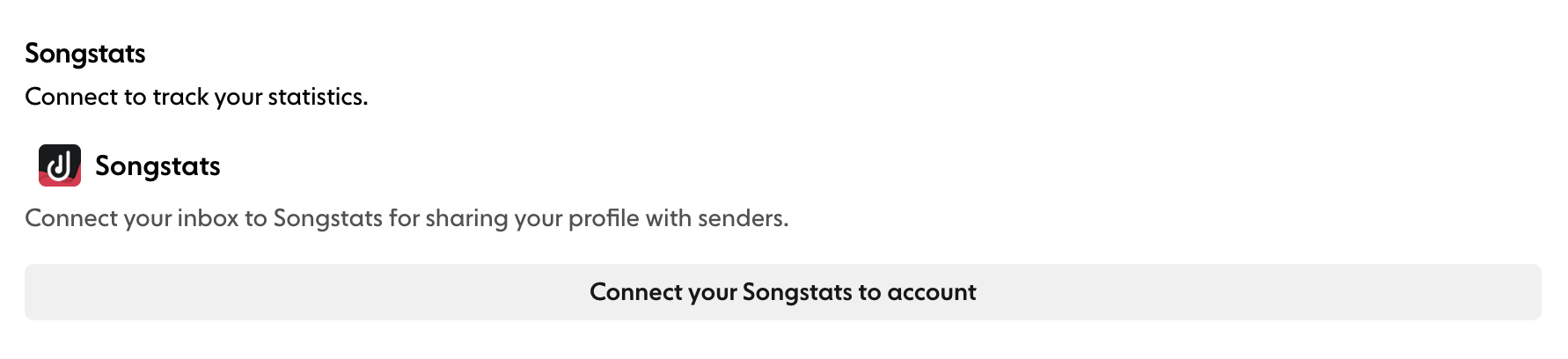
To change or remove the link, return to Integrations and disconnect, then connect a different profile.
After connecting#
Senders see a richer profile that shows your activity and industry impact. This makes your inbox more appealing and gives them confidence their music is going to an active, credible DJ or label.
For more about Songstats, visit their website: https://songstats.com/