Release notes, 25 November
This week you can see whether a track was made by AI, keep a stack private between you and your team, and add a new music player to your One Link. There’s also a quicker way to send, a cleaner Sent › Activity view, and Trackstack on iPhone Duo and Apple Watch.
AI labels on every track
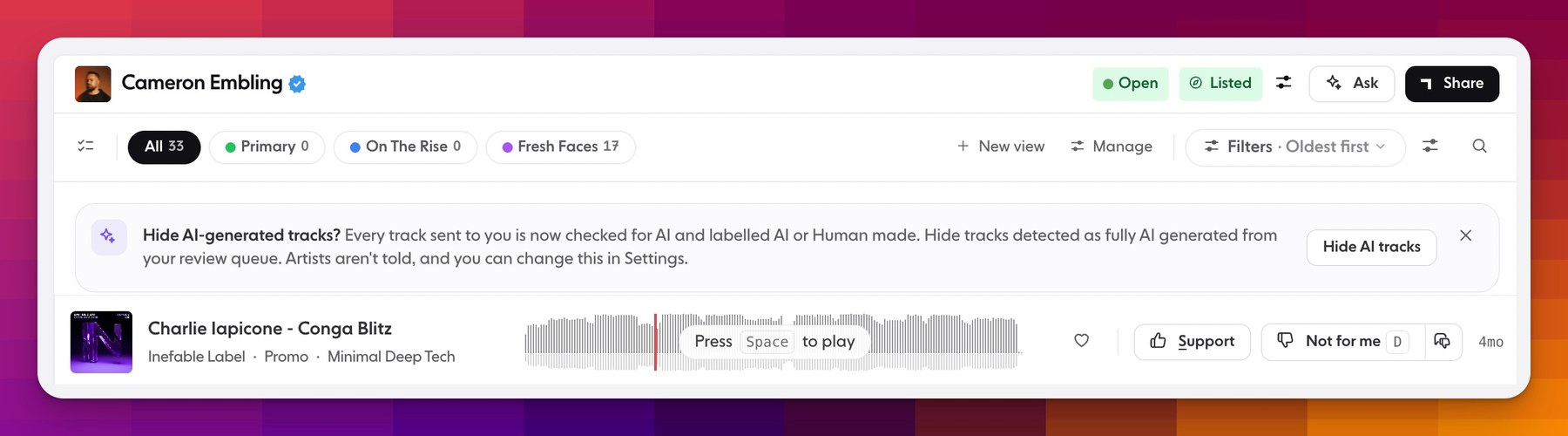
Every track sent to you is now checked for AI and labelled AI or H (Human made). You'll see the label in your review queue, track details, Library and stacks.
Hide AI tracks: turn this on in your inbox settings to keep tracks detected as fully AI-generated out of your review queue. They aren't declined, and the artist isn't told.
AI filter: filter your review queue by AI generated or Human made.
Think your track was labelled wrongly? Tap "Contest" on your upload to let us know.

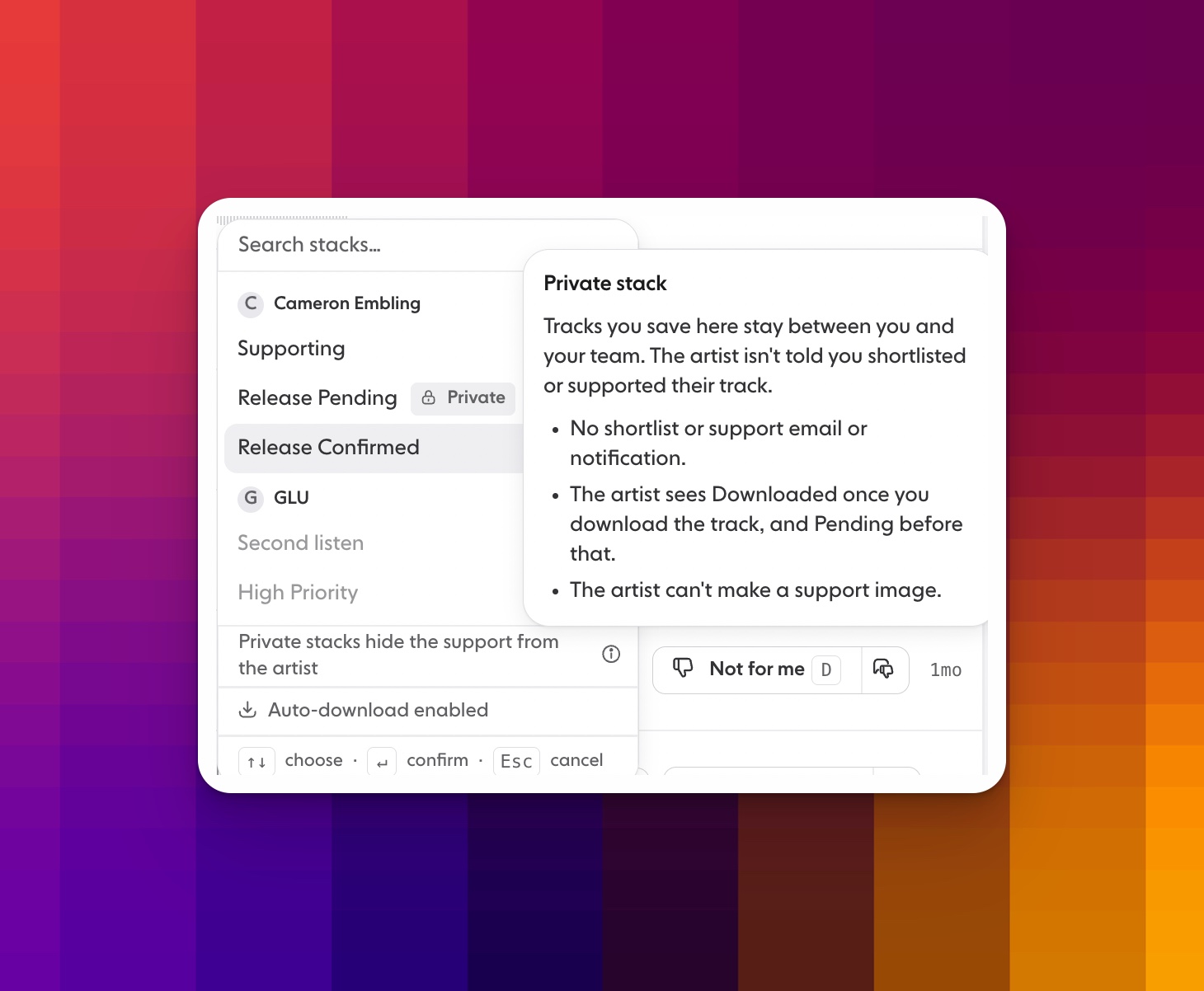
Private stacks
Save tracks to a private stack to keep them between you and your team. The artist doesn't get a shortlist or support email, and can't make a support image.
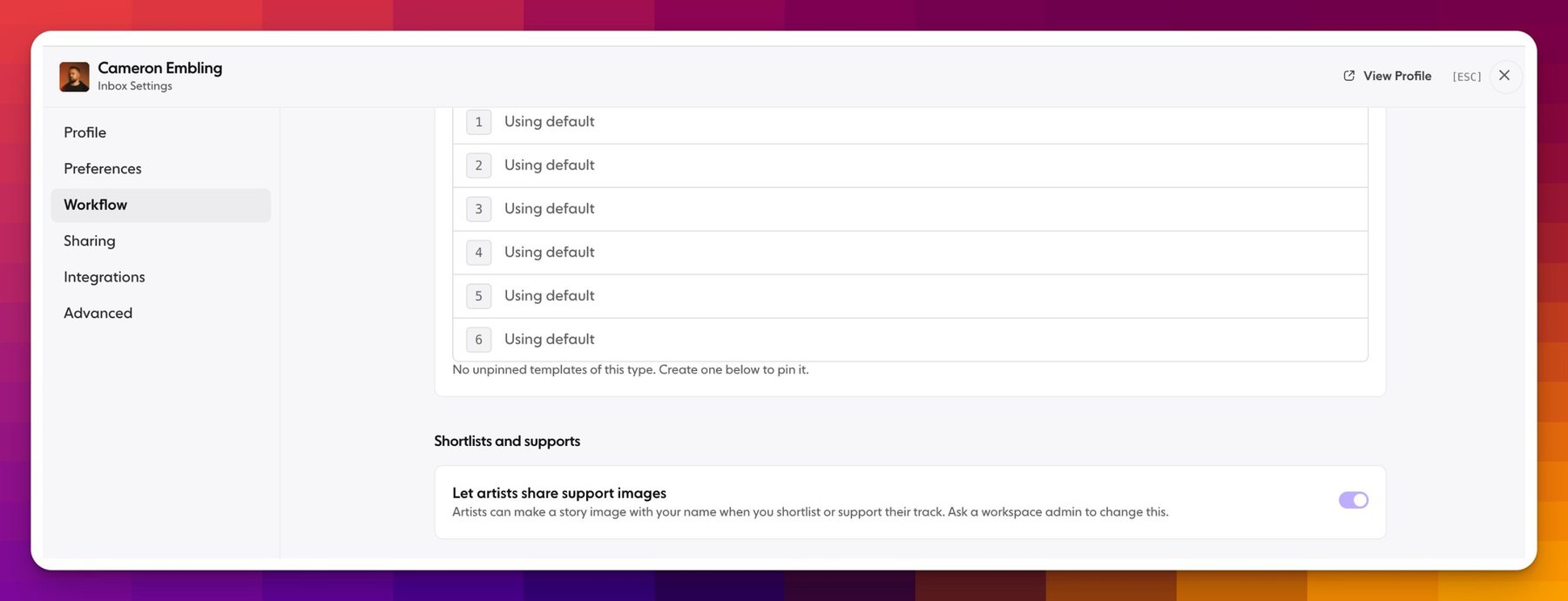
Admins can also choose whether artists can share support images, under Inbox Settings → Workflow → Shortlists and supports.
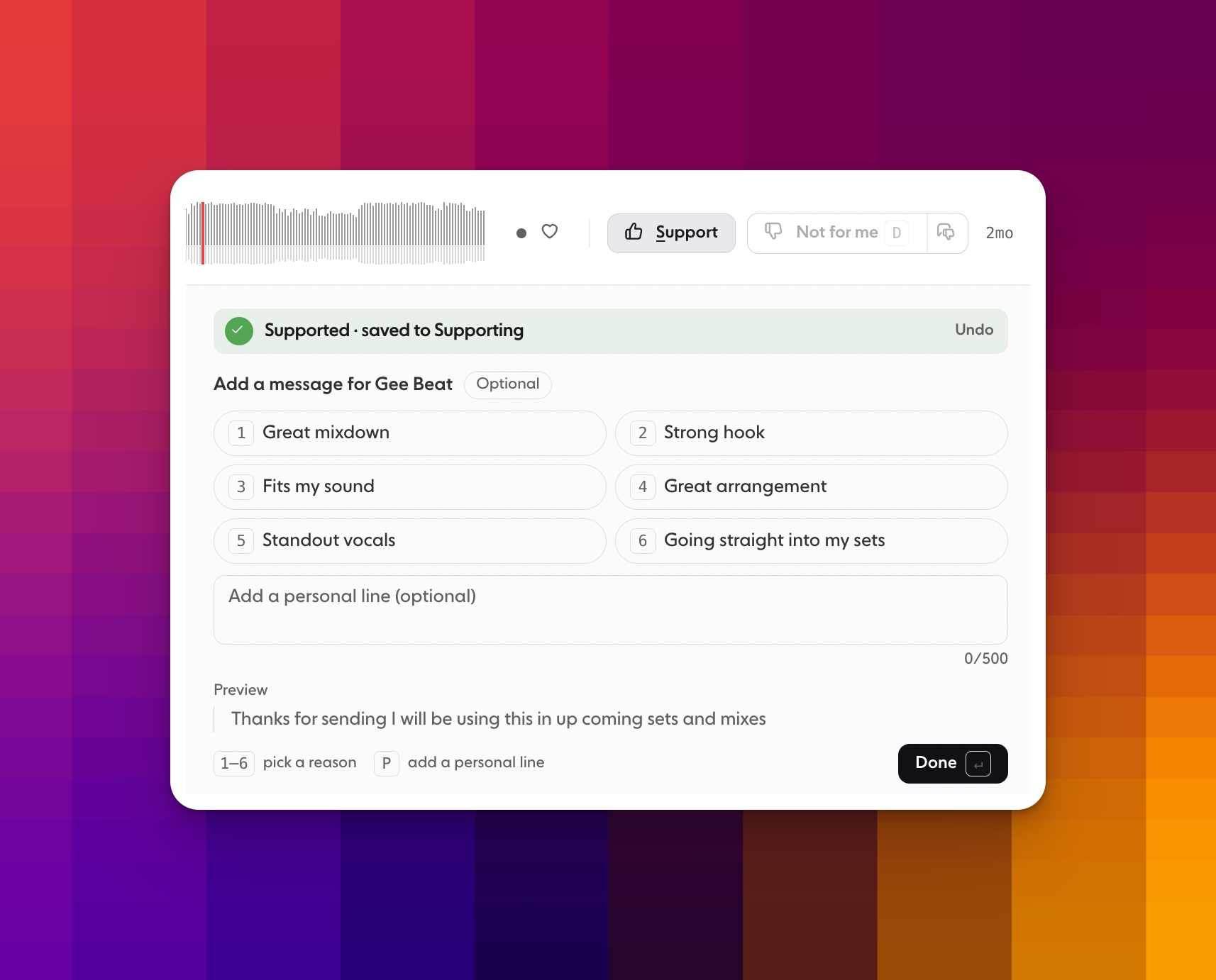
Picking a stack saves straight away
When you Shortlist or Support a track, it's saved to the stack immediately. You can add a quick reason (keys 1–6) or a personal line (P), and Undo is there for 10 minutes.
Customise your featured tracks
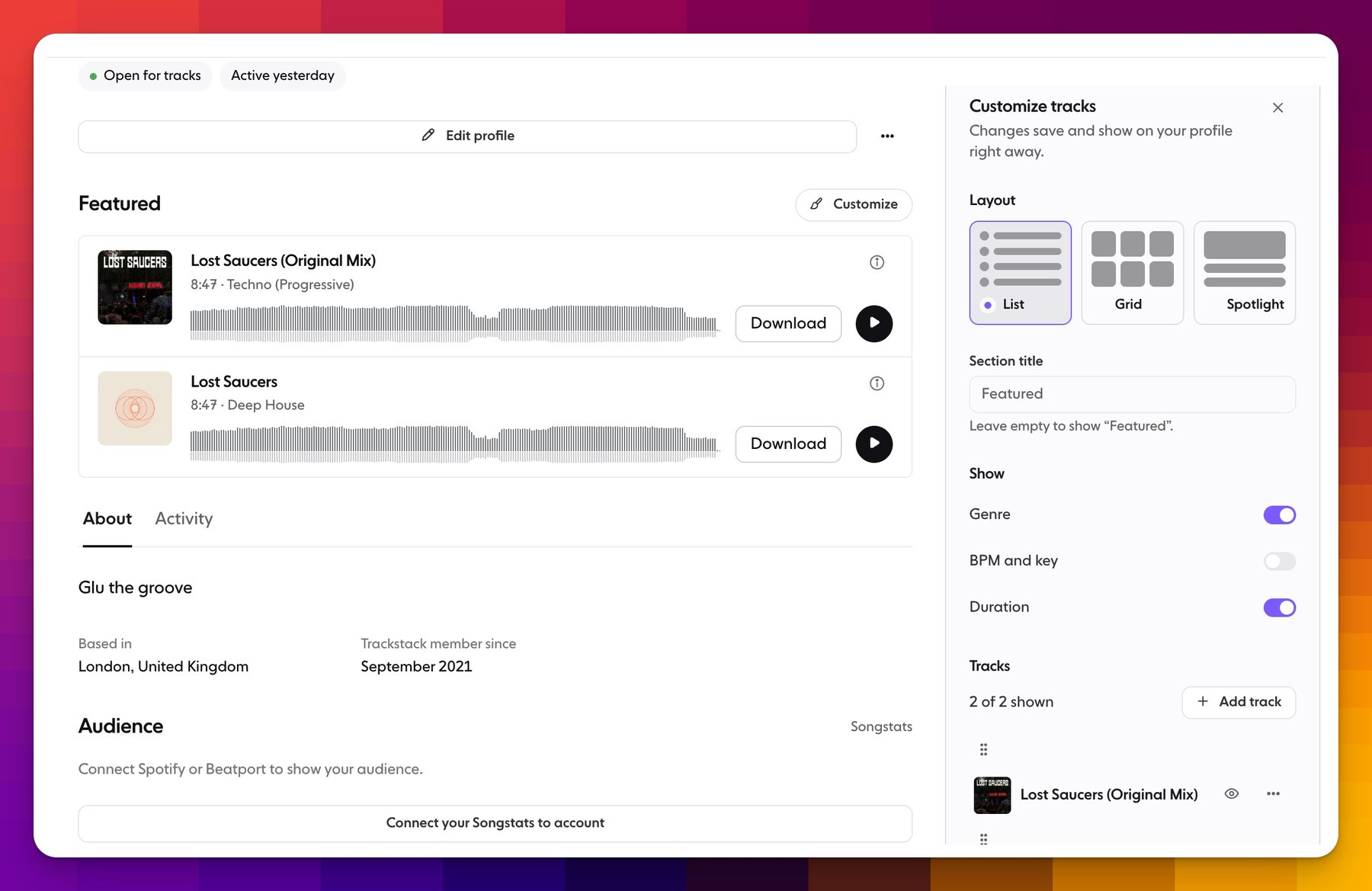
Click Customize on the Featured section of your profile to choose List, Grid or Spotlight, rename the section, show or hide genre, BPM, key and duration, and add, reorder or hide tracks.
One Link
Music player module
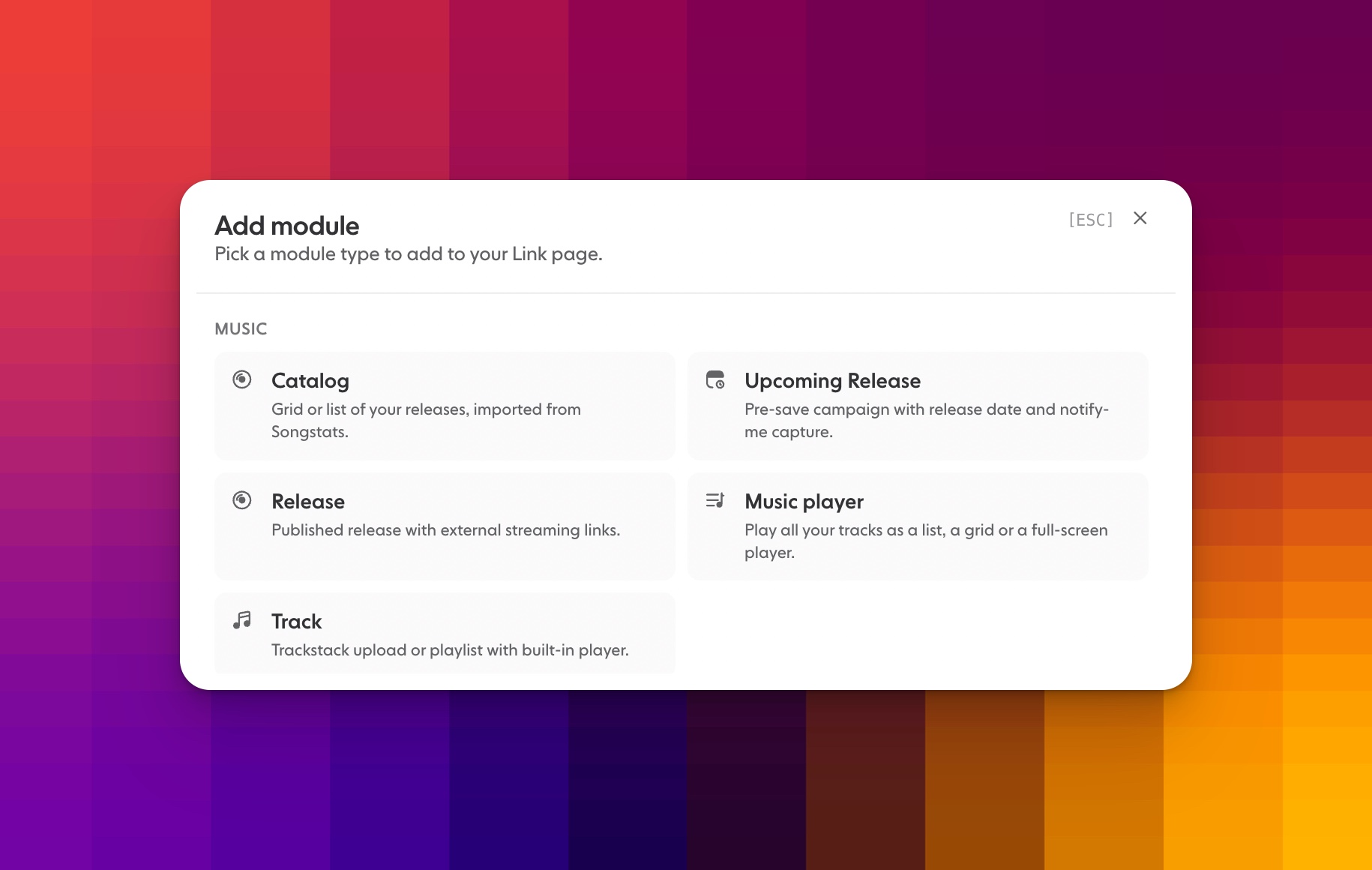
A new module under Add module → Music plays all your tracks and playlists as one queue, as a list, a grid or a full-screen player, with shuffle, repeat and Lock Screen controls.
Outlet list
A track module can now open as its own page listing where to stream or buy the track.
Hero layout
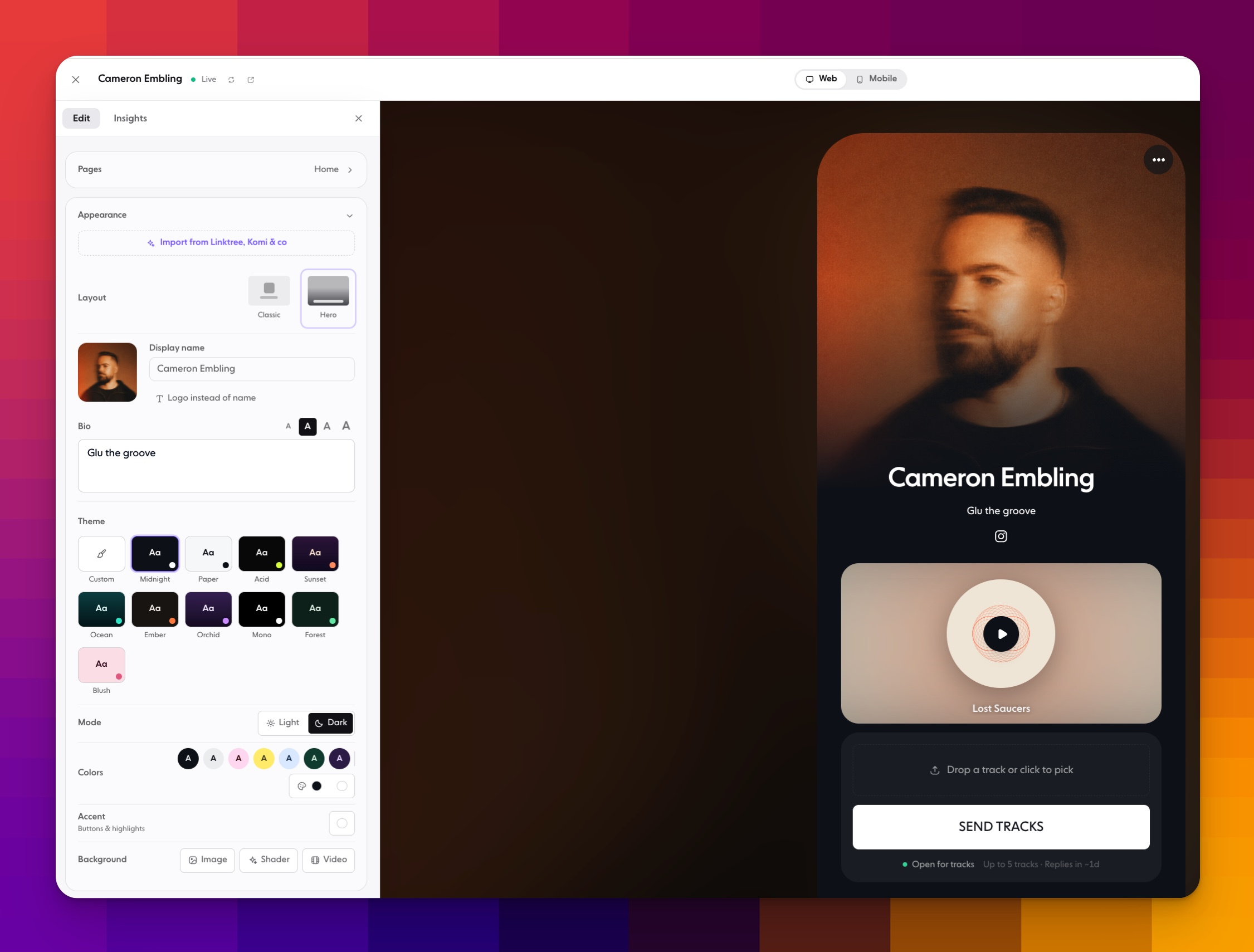
Under Appearance → Layout, choose Hero to put your photo across the top of your page with your name and bio over it.
Send: choose who first
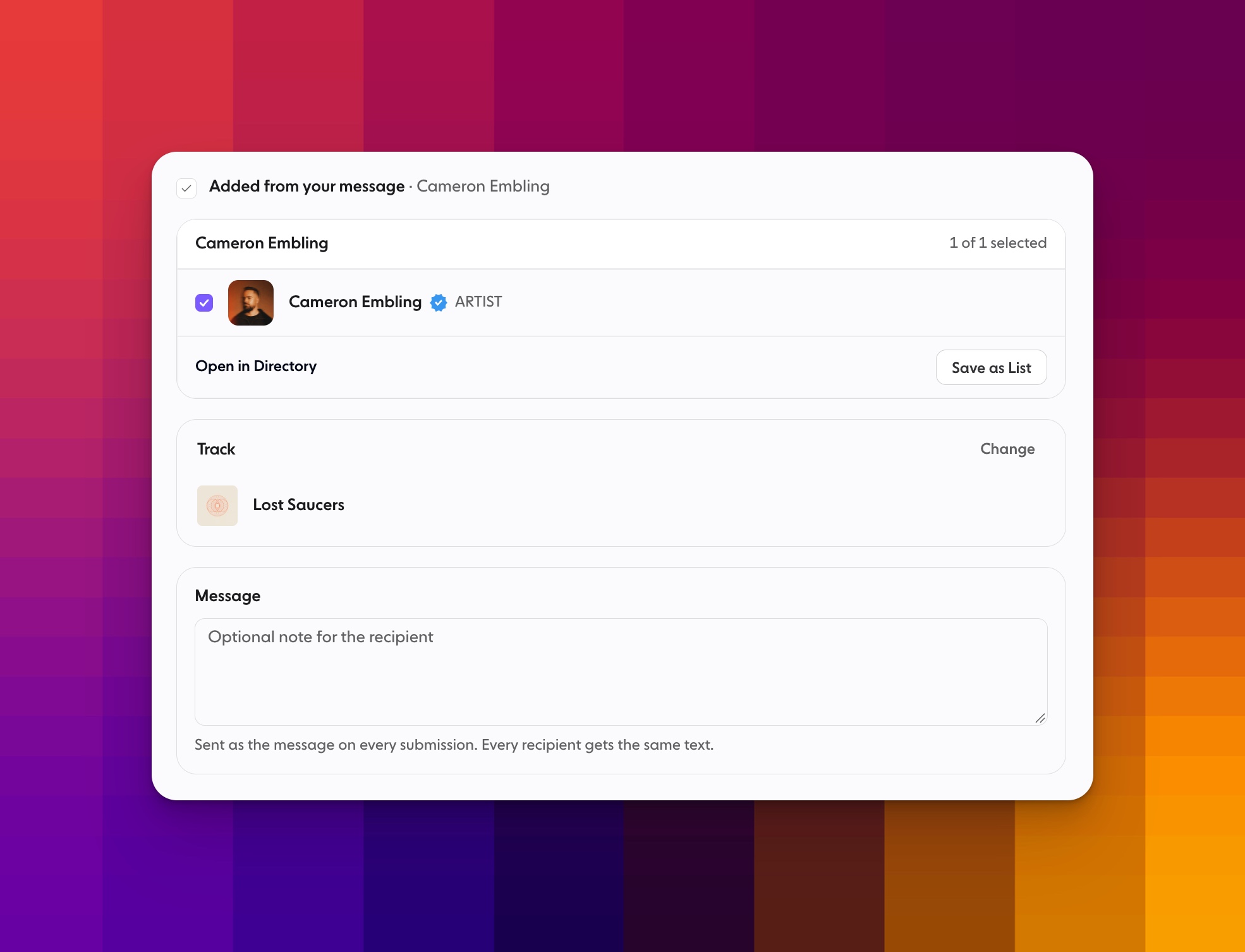
On the Send page, pick who you're sending to first, then choose the track from your newest uploads or upload a new one.
Sent › Activity
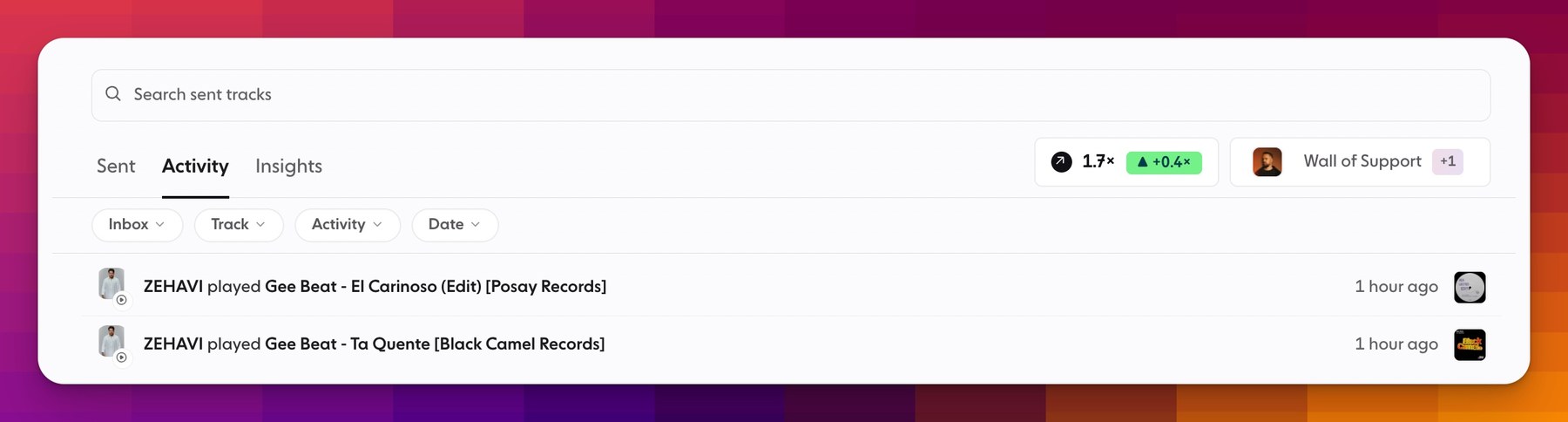
A cleaner activity list with new Inbox and Date filters. Sent also no longer lists tracks that are deleted, failed or still uploading.
Smaller improvements
Rename a stack from the sidebar: double-click it, or right-click and choose Rename.
Downloads start instantly on web and desktop, with progress messages and automatic retries.
Bigger feedback boxes in the Decline and Shortlist windows, and you can resize them.
Mobile
iPhone Duo: Trackstack now supports iPhone Duo. Update the app from the App Store (iOS 16.4 and later).
Apple Watch widgets: see your inbox counts, plays and latest feedback on your watch face.Apple Watch widgets: see your inbox counts, plays and latest feedback on your watch face.
For everyone
3- Copy Link on the Mac app now copies the link.
- The desktop app no longer gets stuck on the logo when you're offline.
- Signing up with the same email in different capital letters no longer creates a second account.